Promises
- Single persistent universe shared by thousands of concurrent players
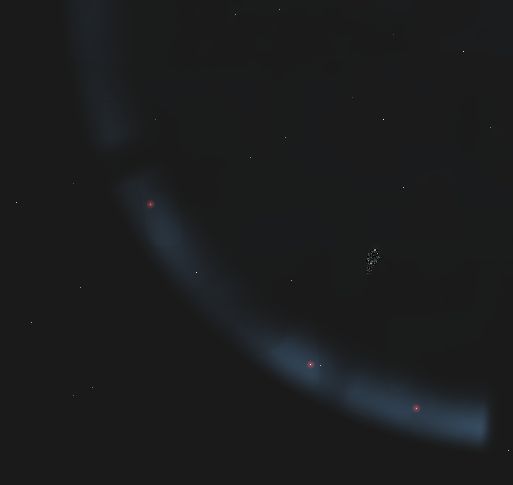
- Procedurally generated galaxy with thousands of star systems
- Deterministic generation ensures every player sees the same stars, belts, nebulae, and regions
- Seamless jump gate travel between systems
- Unified server experience that feels like one continuous world
- Real-time player interaction across exploration, trade, alliances, and combat
- Large-scale concurrency designed to support massive player populations without fragmenting the universe
Monetization Philosophy
- We plan to implement a simple monthly and yearly subscription (We built LEO for players who want to invest in a living universe over time. We are not here to chase short-term rewards.)
- No in-game purchases for real money
- No vanity or cosmetic store for real money
- No items sold for real money
- No pay-to-win mechanics
- No gated power, boosts, or shortcuts for real money
- No manipulative or predatory marketing
- Everyone plays on an equal footing
To Do (0)
In Progress (2)
Alpha Testing & real time bug squashing!
Join the alpha!!! https://fentusgames.com/home/
Been making major changes to the game lately - plenty of ups and downs, but overall it's coming along well. A few of the biggest updates:
- Pirates With Teeth
- A Smarter Marketplace
- The Great Balance Pass
- Death of the Range Wall
- The Great Weapon Rework
- Damage, By Design
- Know What You Own
- Trades, Stacked
- A Friendlier Front Door
- A Living Sky
- Layouts That Remember
- Safe Passage
- Player-to-Player Trade
- Trade, Bounties, and a Free Tow
- Untouchable in Warp
- Crash-Free Fonts
- Launcher, Reborn
- A Bar That Tells You More
- The Beginning
Join the Alpha to view the detailed notes!!!
Post a roadmap for beta
Will be posting a roadmap of what needs to be complete before the beta
Done (80)
Organize a small play test
Build a client for a small play test. Organize an event.
Market & Trade
Add a market for selling and trading items inside stations.
Add Bookmarks
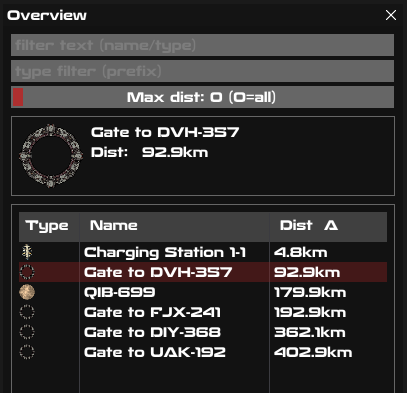
Ability to add bookmarks and see them on the overview.
Player death, drop chance & respawn
View
The ability to view a ship for it's perspective when in sensor range.
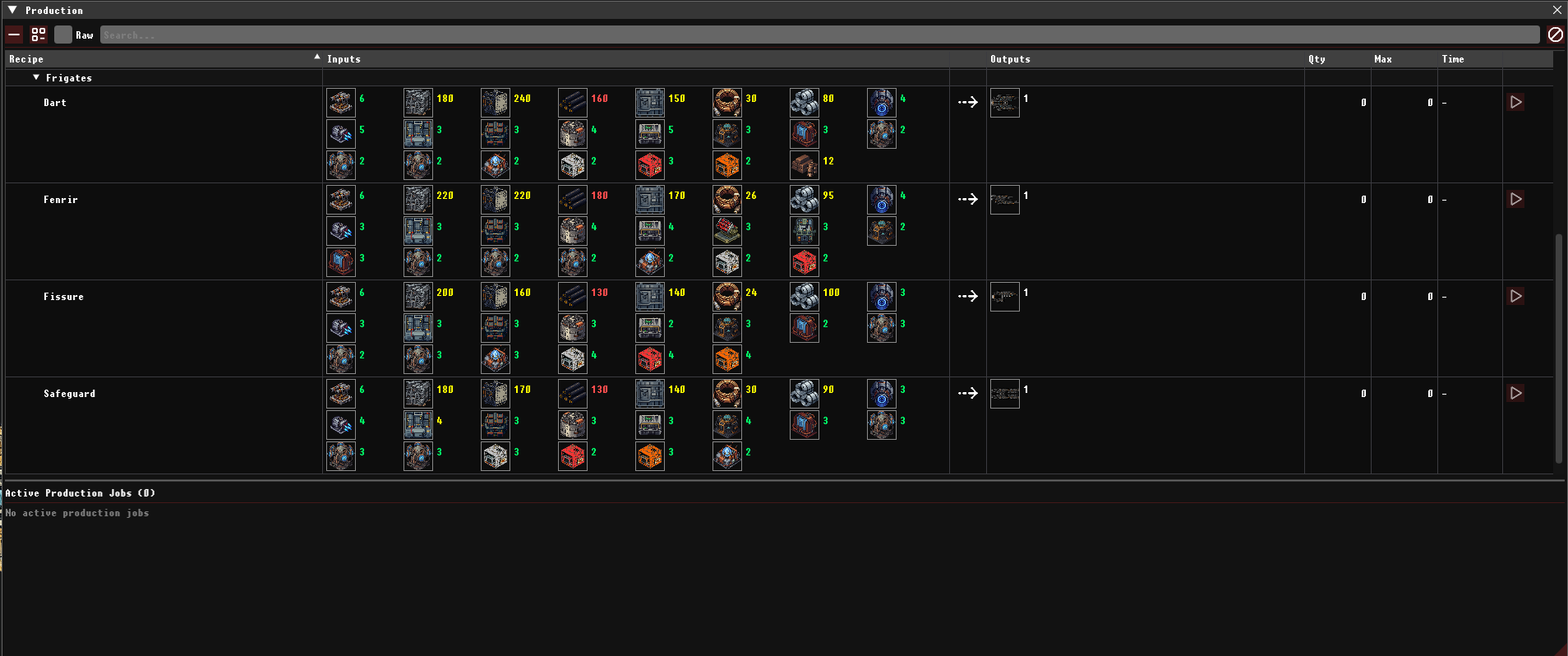
1st full class of ships & new classifications
Add 3+ new frigates to the game and add new classification specifications
UL - Ultralight > 0 <= 5000 tons
M - Medium >5000 <= 15000 tons
H - Heavy >15000 <= 30000 tons
B - Battleship >30000 <= 50000 tons
C - Carrier >50000 <= 200000 tons
D - Dread >50000 <= 200000 tons
Combat & Weapon systems
Rail guns
Mini Guns
Missiles
Lasers
Anti Missile Systems (AMS)
Sensors (Signature and Range)
Shielding -> Active/Buffer/Regen
Armour -> Active/Buffer
Energy / Regen
NPC Ships
NPC ships that roam asteroid belts.
Autopilot
Added autopilot so we can afk from src to dest
Ammo for missile launchers
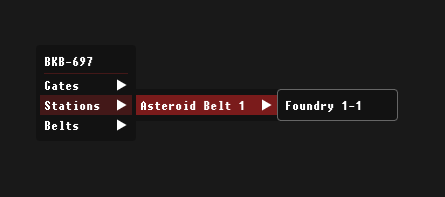
Right Click Menu
Simple right click menu for quick warps
Recent Updates (Last 48 Hours)
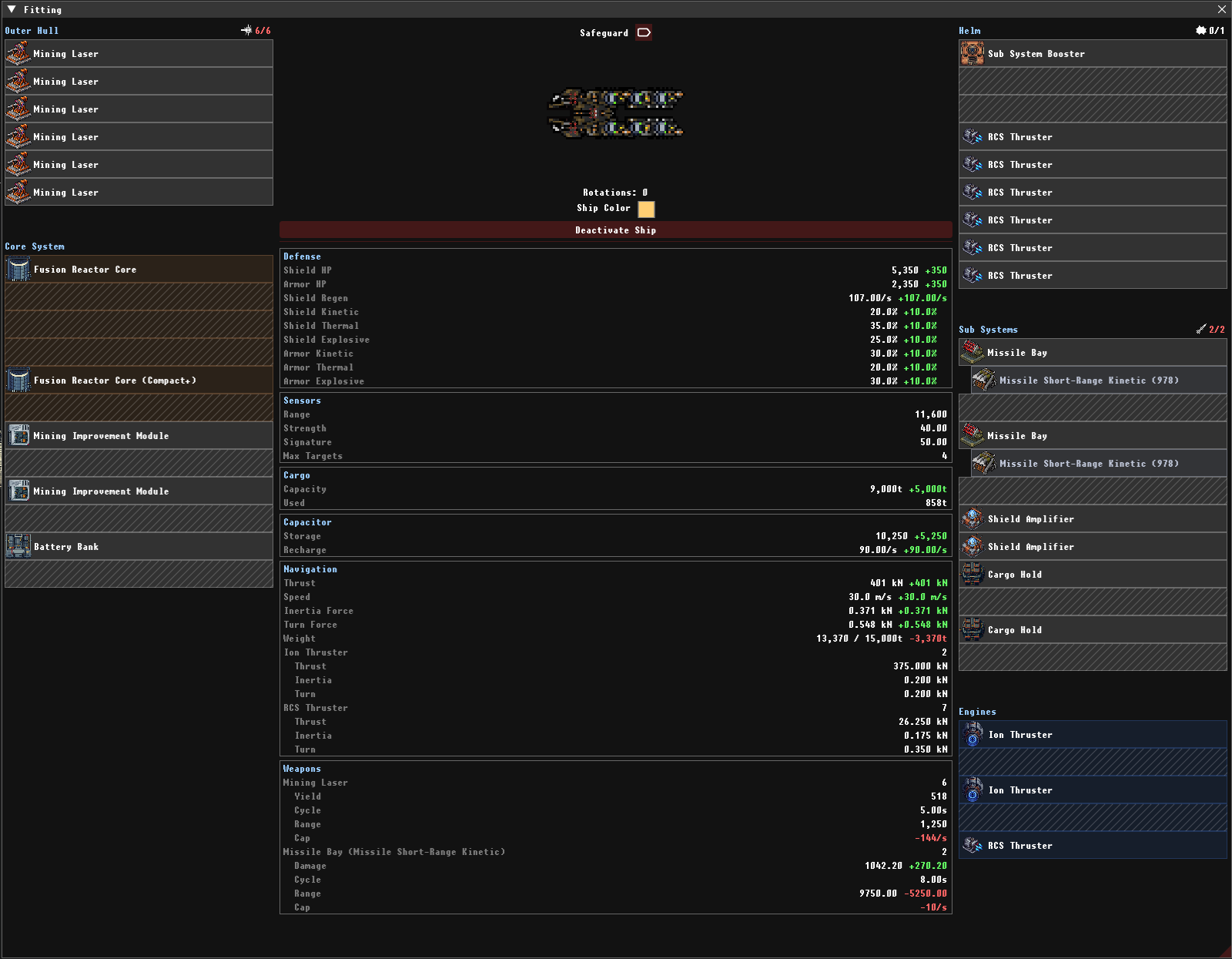
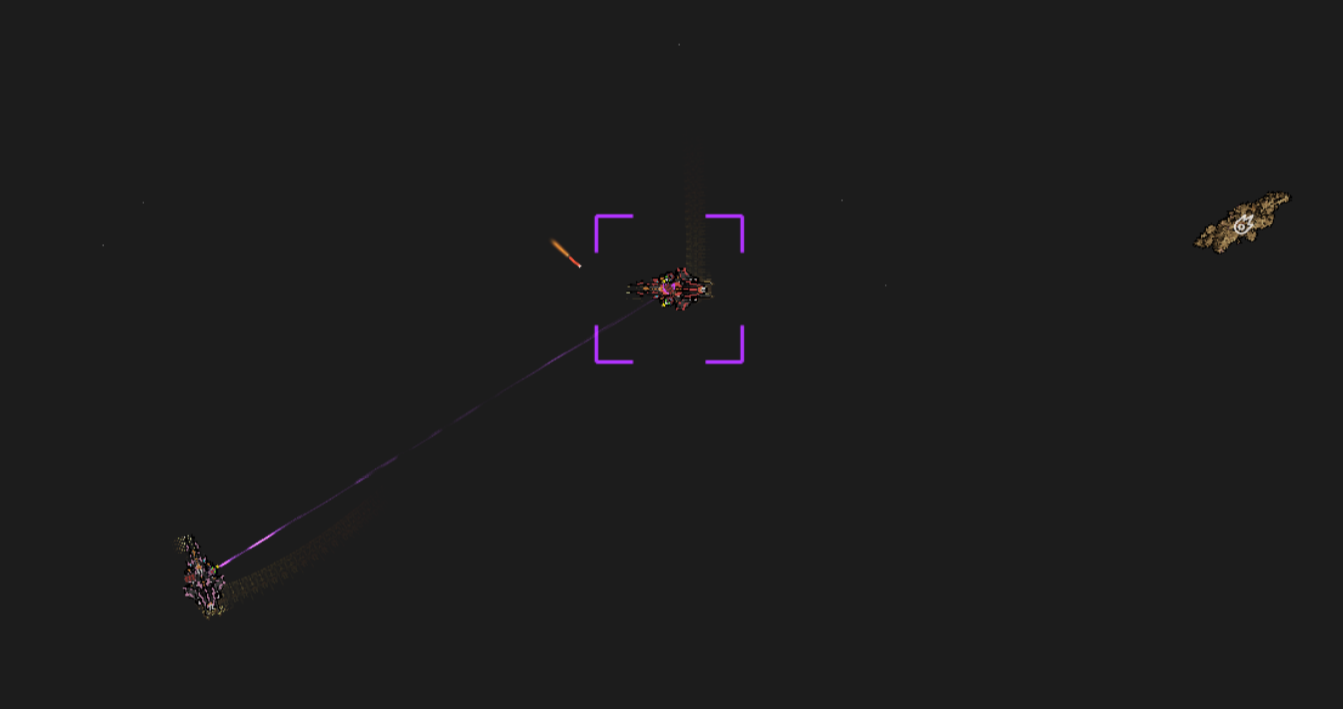
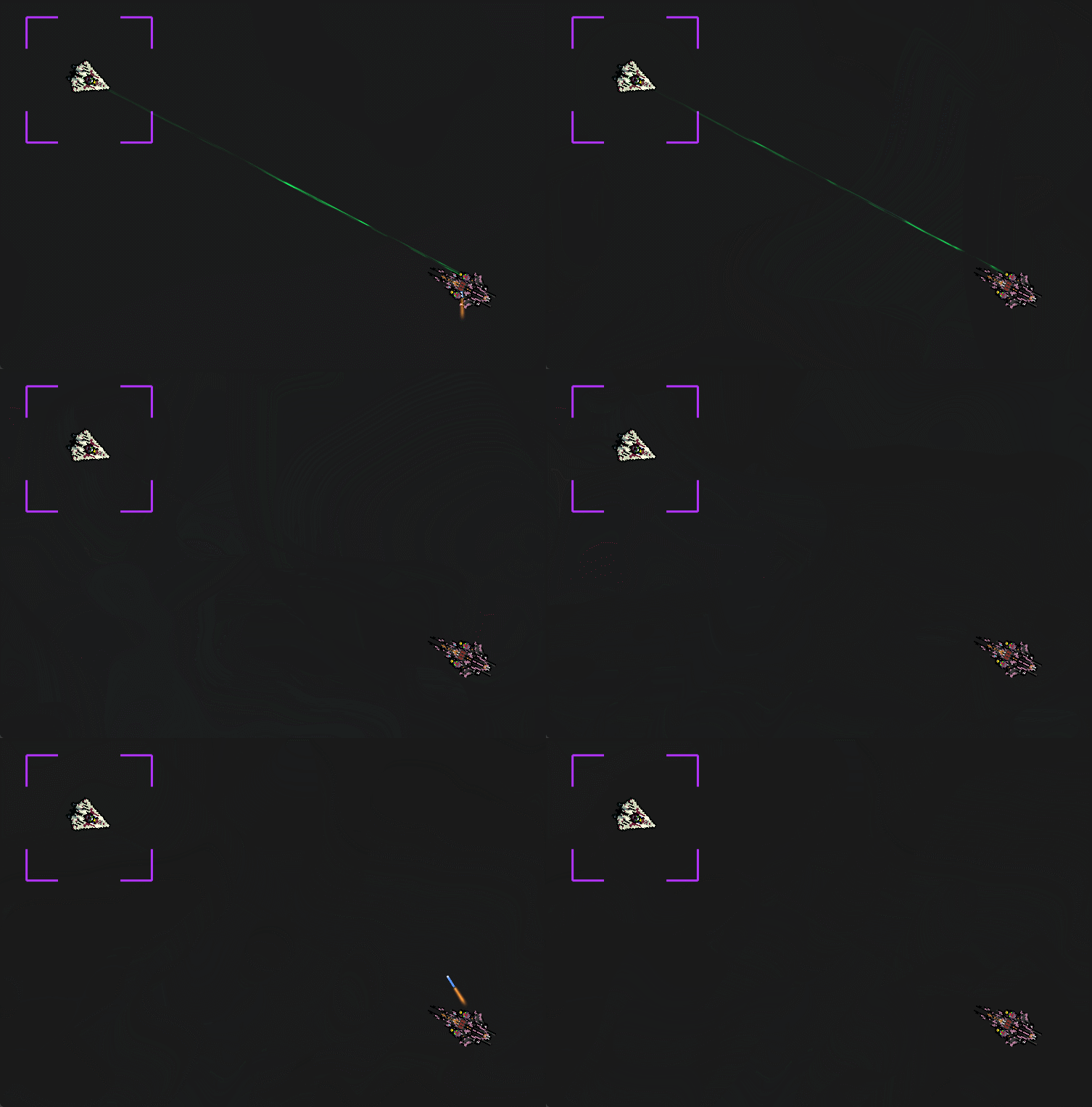
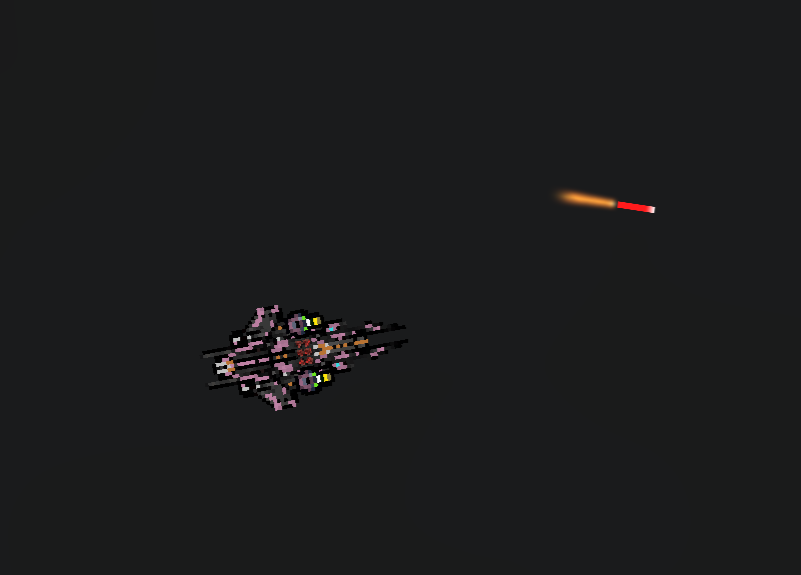
- Missile System — Added missile bay modules as a new weapon type with projectile visuals, exhaust trails, and impact effects
- Missile Fixes — Resolved issues with missile targeting and cycle behavior
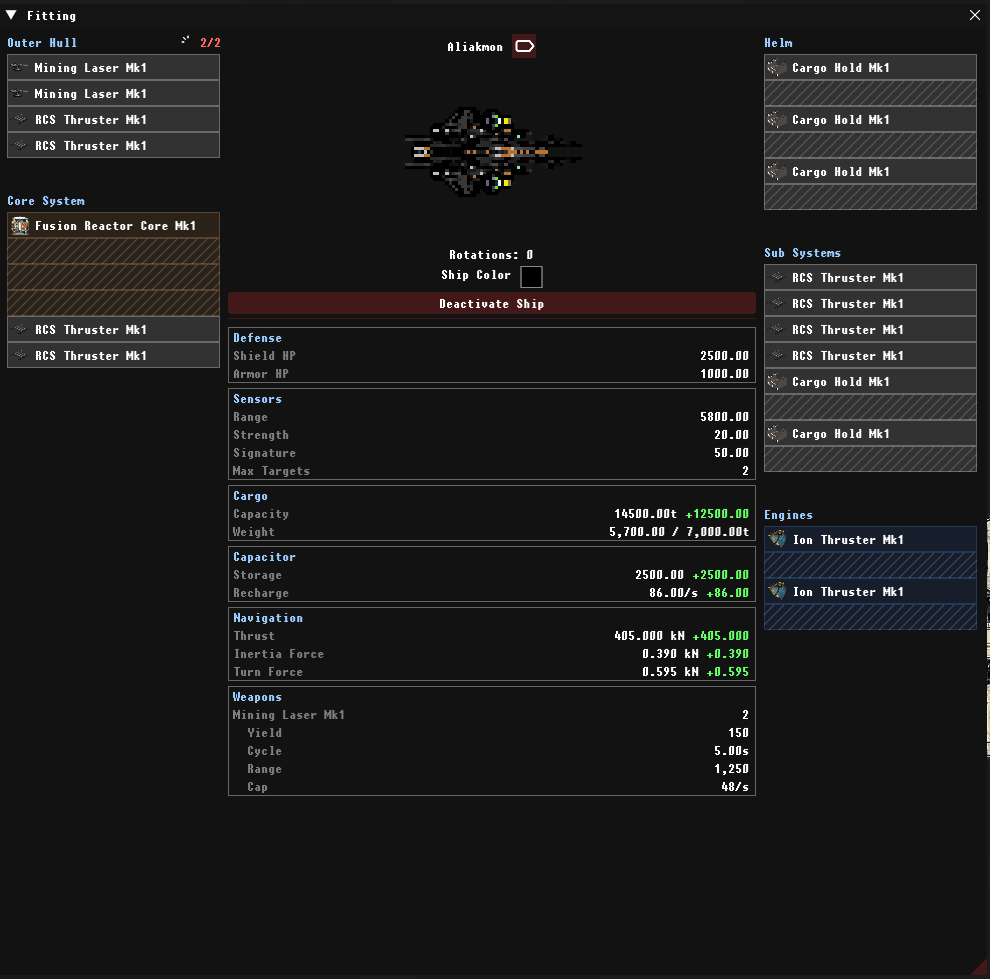
- Ship Stats Overhaul — Broke out ship stats into detailed tables for better readability
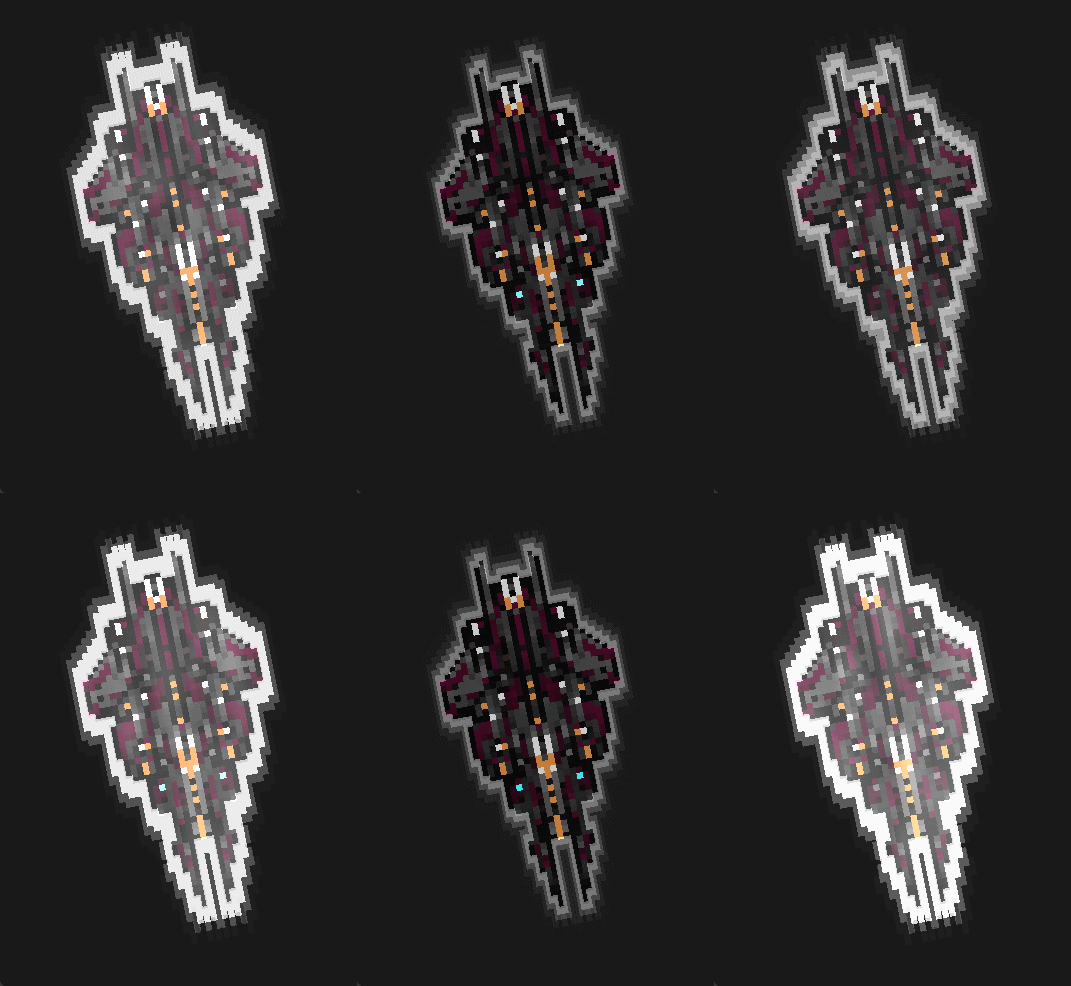
- 4 New Ship Assets — Added textures for 4 new ships
- Weight System Fixes — Corrected thrust-to-weight speed calculations
- Weapon Wind-Down — Weapons now visually wind down when deactivated, with target menu showing wind-down state
- Turret Improvements — Fixed turret lerp snapping and turret jitter/giggle
- Hotbar Grouping — Hotbar no longer groups unlike items together
- Logout & Gate Jump Timers — Added visible countdown timers for logout and gate jumps
- UI Polish — Windows auto-close on dock/undock; inventory/cargo backgrounds no longer alternate row colors; various window layout fixes
- Login Improvements — Username field auto-focuses on login screen; Enter key dismisses error popups before triggering login
- Session Reconnect — Players can now reconnect to an active session without waiting for timeout — game state (position, warp, weapons, orbit, locks) is preserved
Switch to a slot based tonnage system.
Switch from a hard-point balance system to a tonnage and size based system.
All the little things
1.) Exit button not clickable in one click — sometimes requires two clicks.
2.) Hovering on the overview should show a new highlight color, applied the same way as selected, targeted, etc.
3.) When the server is 100% ready, display a banner on the console.
4.) Turrets when jumping and warping are not in the correct shader / animation. Warp animation start should be based on visual position, not server-side position.
5.) Add metadata details to the map search. Fade results when not matching the search.
6.) Weapon grouping.
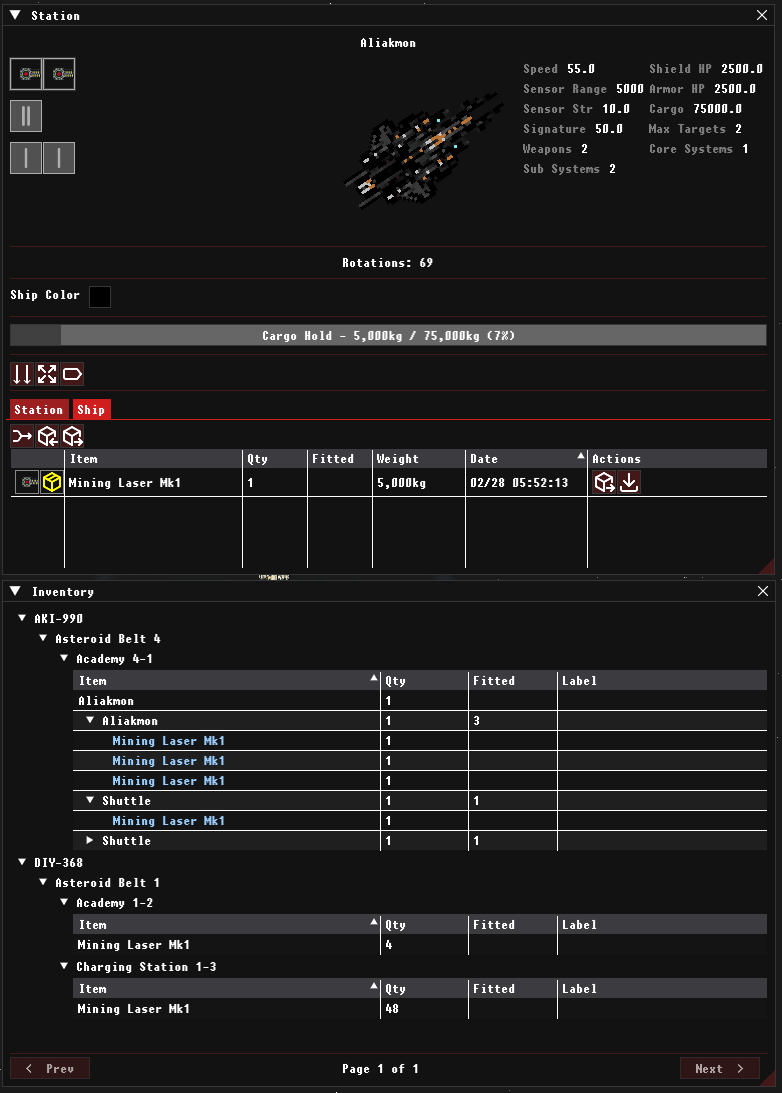
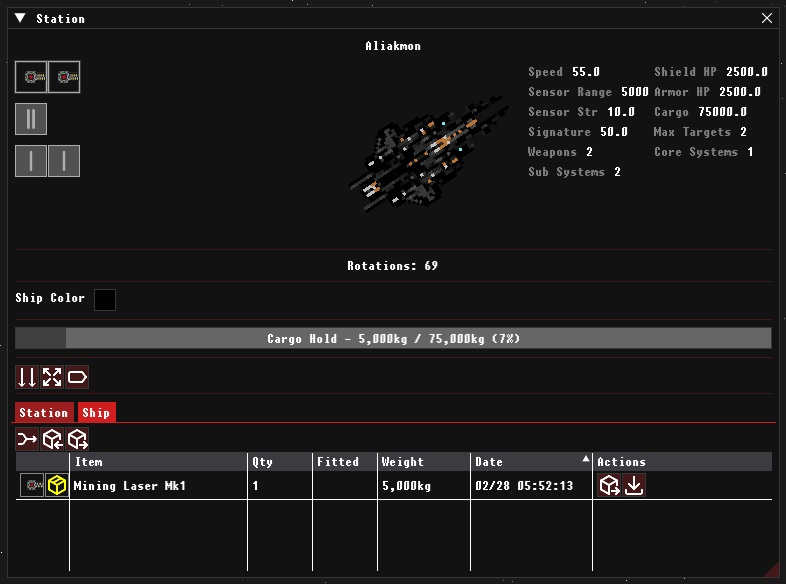
7.) When claiming a ship, also claim a 'Damaged Mining Laser'.
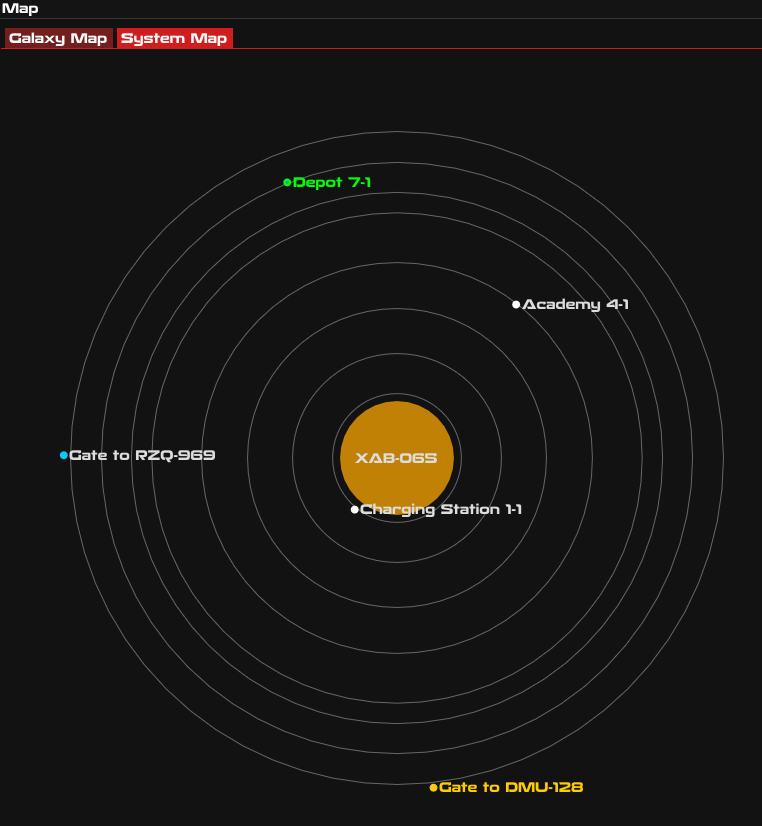
8.) Show more info on the System Map (Belts / Belt name on hover).
9.) Zooming in and out on the game should not zoom in and out on the map when it is open.
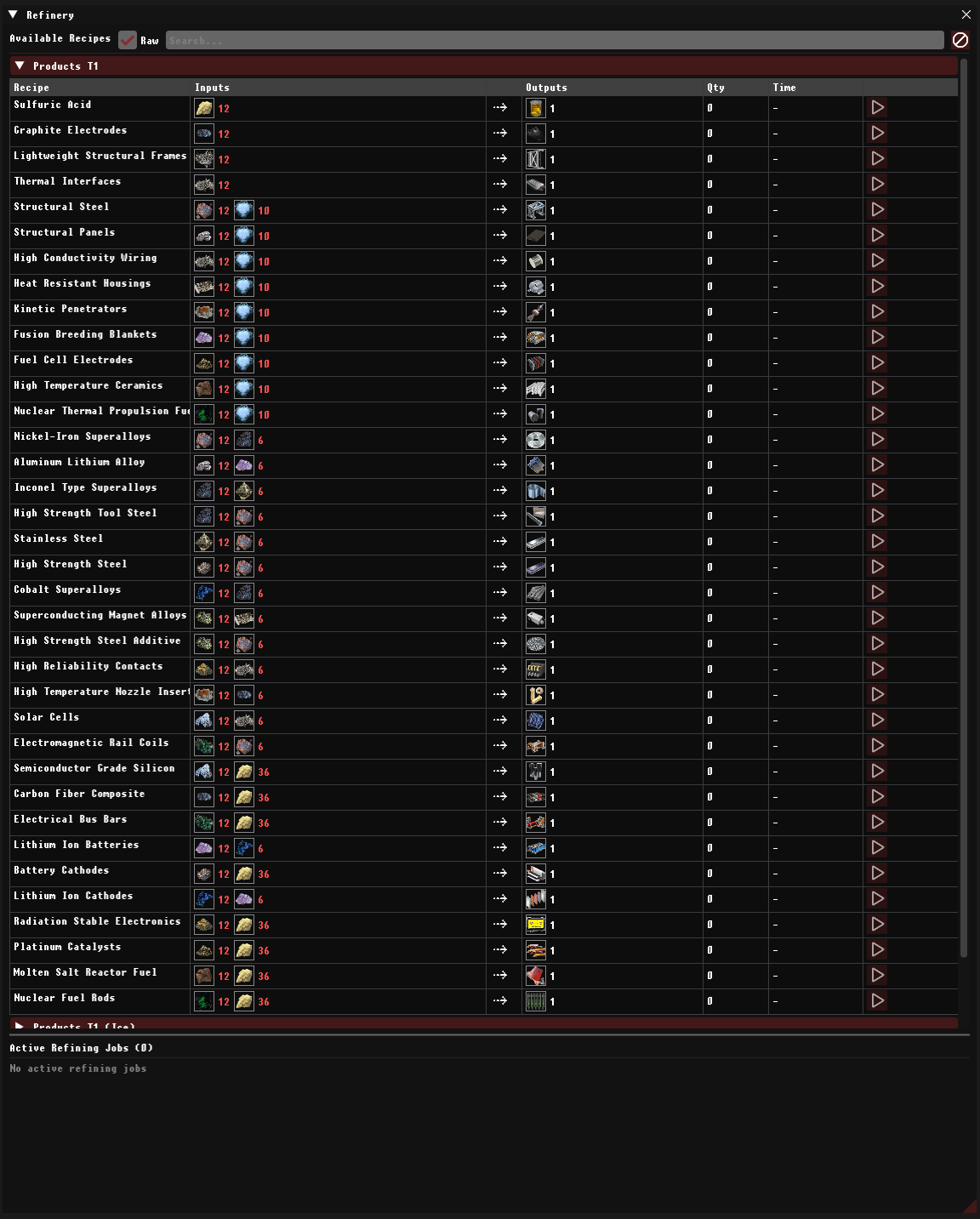
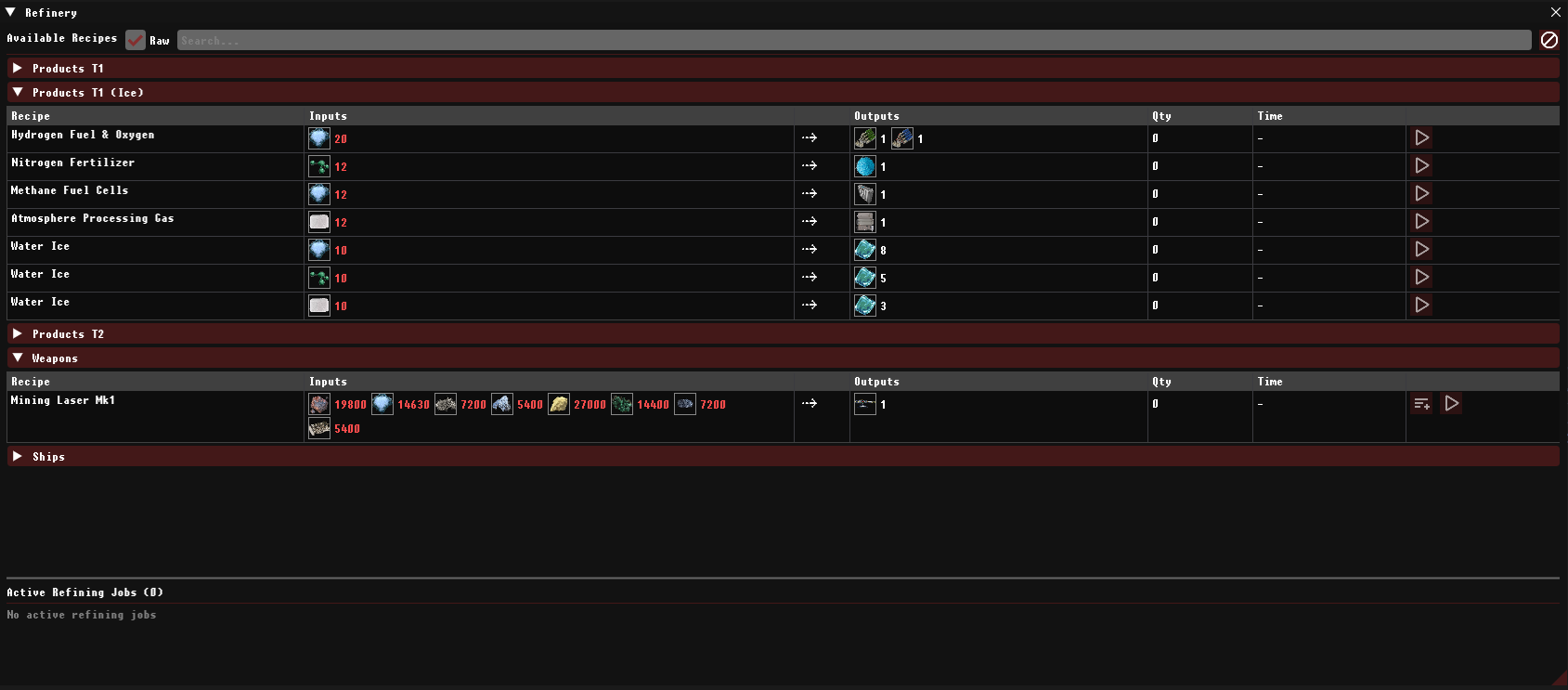
Refine Ore's
Recipes for refining ores.
Produce Mining Lazers
Produce mining lazers form refined goods
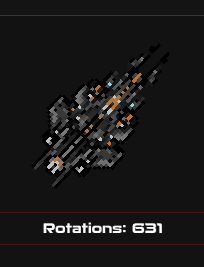
Golem
A massive industrial vessel bristling with nine weapon hardpoints. The Golem''s reinforced hull and expansive cargo bay make it the backbone of large-scale mining and salvage operations, while its formidable armament ensures it can defend itself in hostile territory.
Ice
Water Ice (H₂O) Hydrogen Fuel, Oxygen
Ammonia Ice (NH₃) Nitrogen Fertilizer
Methane Clathrate(CH₄) Methane Fuel Cells, Organic
Dry Ice (CO₂) Atmosphere Processing Gas
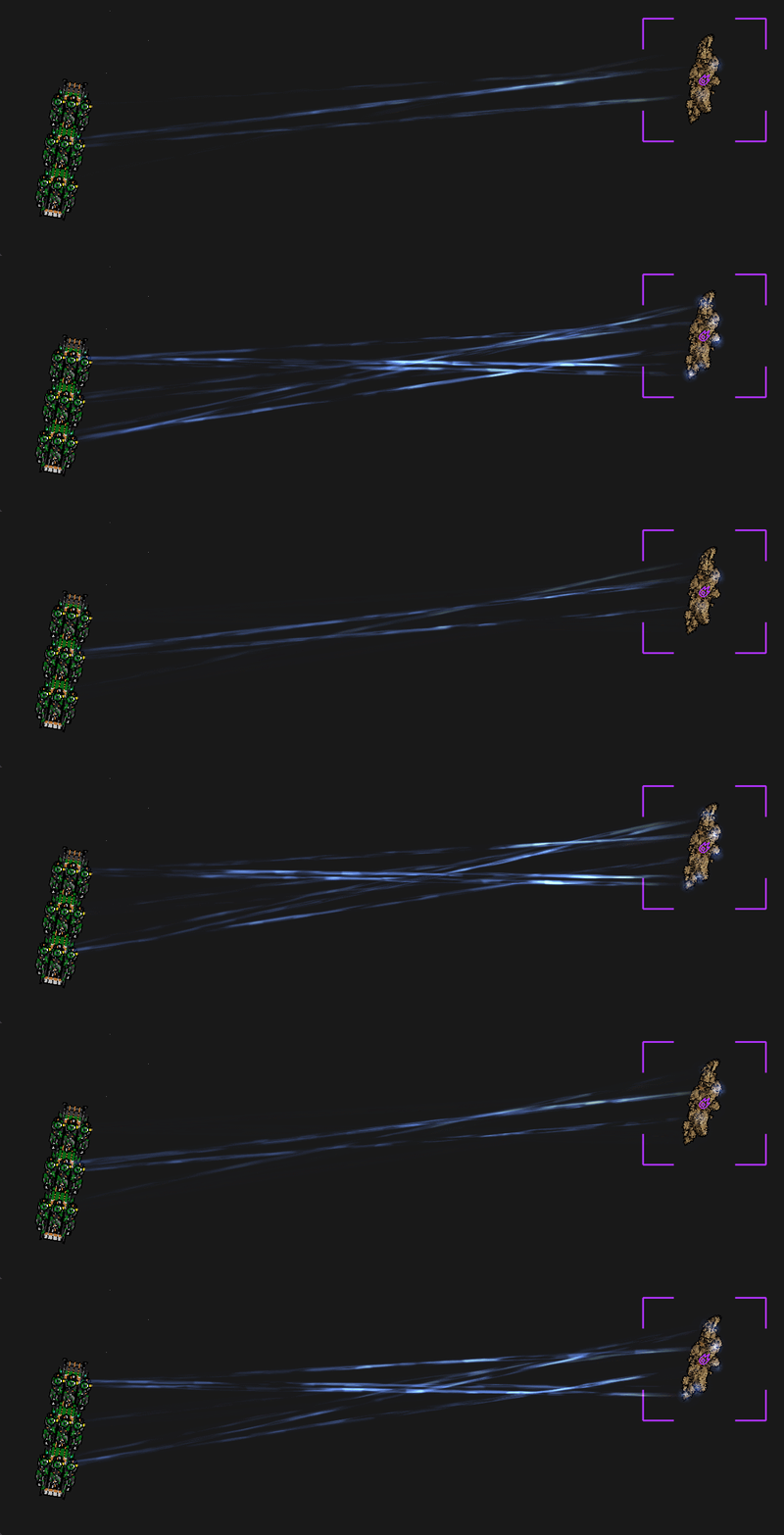
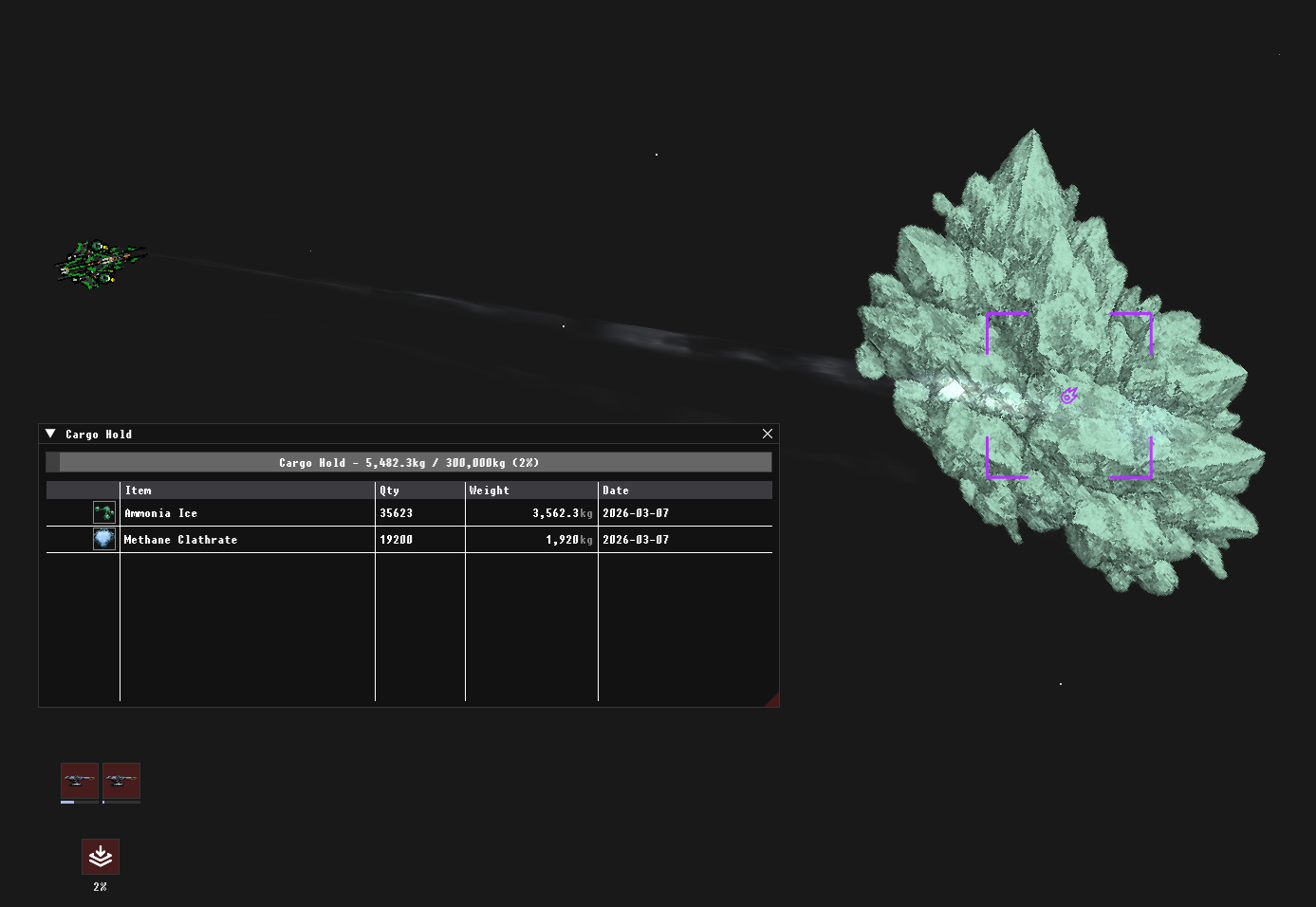
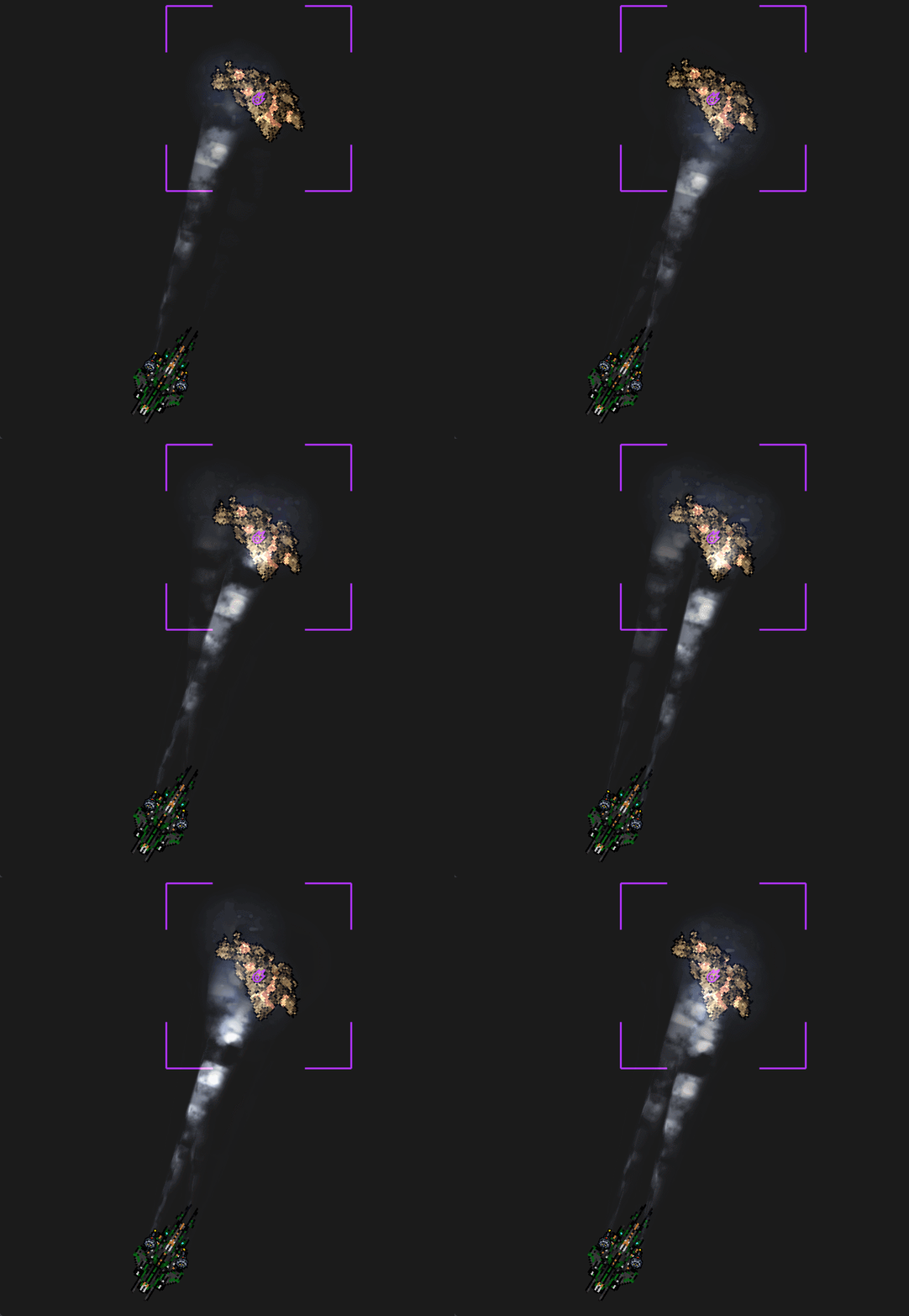
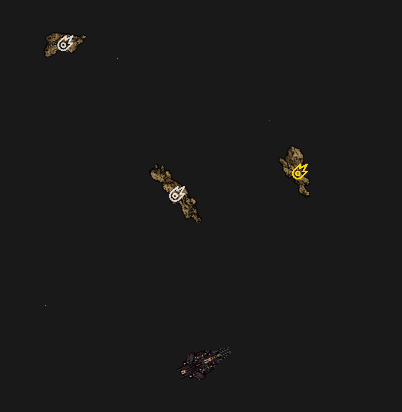
Mine Asteroids
Ability to activate mining lasers and collect ore top ship inventory.
Mining Lasers
Mining lasers are ship equipment modules that players can activate on valid, mineable targets such as asteroids or resource nodes, generating resource items into the ship’s inventory. Mining only succeeds when the server confirms the target is mineable, within range, and meets any lock or line-of-sight requirements. Mining output is calculated deterministically each tick based on module stats and target properties, with progress and yield results replicated to clients.
Inventory Weight System
Add weight to ships items and block some specific inventories from some specific items.
Ship Equipment System
Ship equipment can only be attached or changed while the player is docked at a station, and no equipment modifications are allowed while in space. The server enforces this by validating the player’s state before approving any equipment change, rejecting all modification requests made in space. When changes are allowed, updated equipment states are immediately replicated to clients.
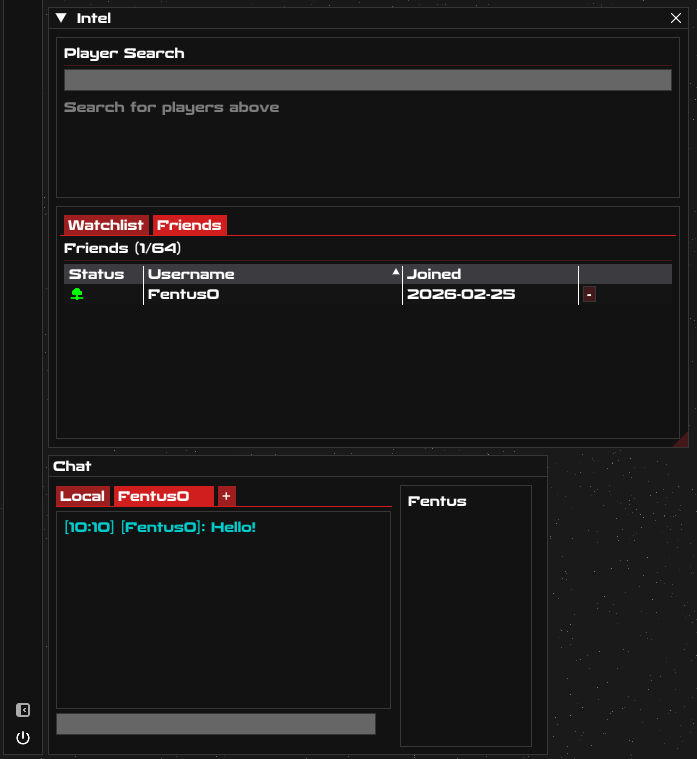
Friends + Friends Chat
Ability to add friends and chat with them.
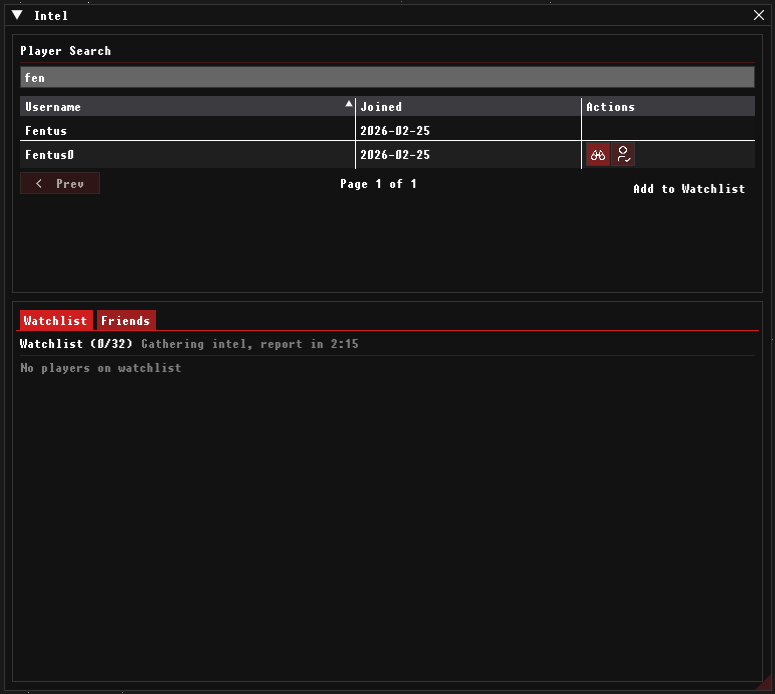
Add a watchlist
Add a watchlist so we can track players online status.
Search player database
Allow users to search from other users and show online / offline status.
Search Engine
Build a functional insanely optimized search engine for database data.
Activate ship and deactivate ship
Activate ship and deactivate ships as well as add shuttles. (New Ship)
Nuff Said...
Dedicated Servers
Setting up servers and infrastructure.
Online
1 web server 8 cores, 16 threads @ 2.7GHZ & 16GB's of RAM
1 lobby server 24 cores, 48 threads @ 3.7GHZ & 192GB's of RAM
3 games servers 24 cores, 48 threads @ 3GHZ & 32GB's of RAM
Offline Backups:
3 games servers 24 cores, 48 threads @ 3GHZ & 32GB's of RAM
Login and out in dock
Login and out in dock currently it spawn you in your last position near the station.
Inventory System
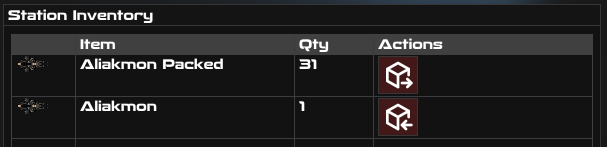
Inventories are player-scoped and split by location: every player has separate inventories for each station and each ship they use. Station and ship storage are completely independent, with items tracked by quantity and keyed by playerId + stationId or playerId + shipId. Moving items between a ship and a station requires an explicit transfer action—nothing is shared automatically.
Stations Bounds
An easy way to see whats in and not in range of stations.
System View
System view and map view on one command bar tool.
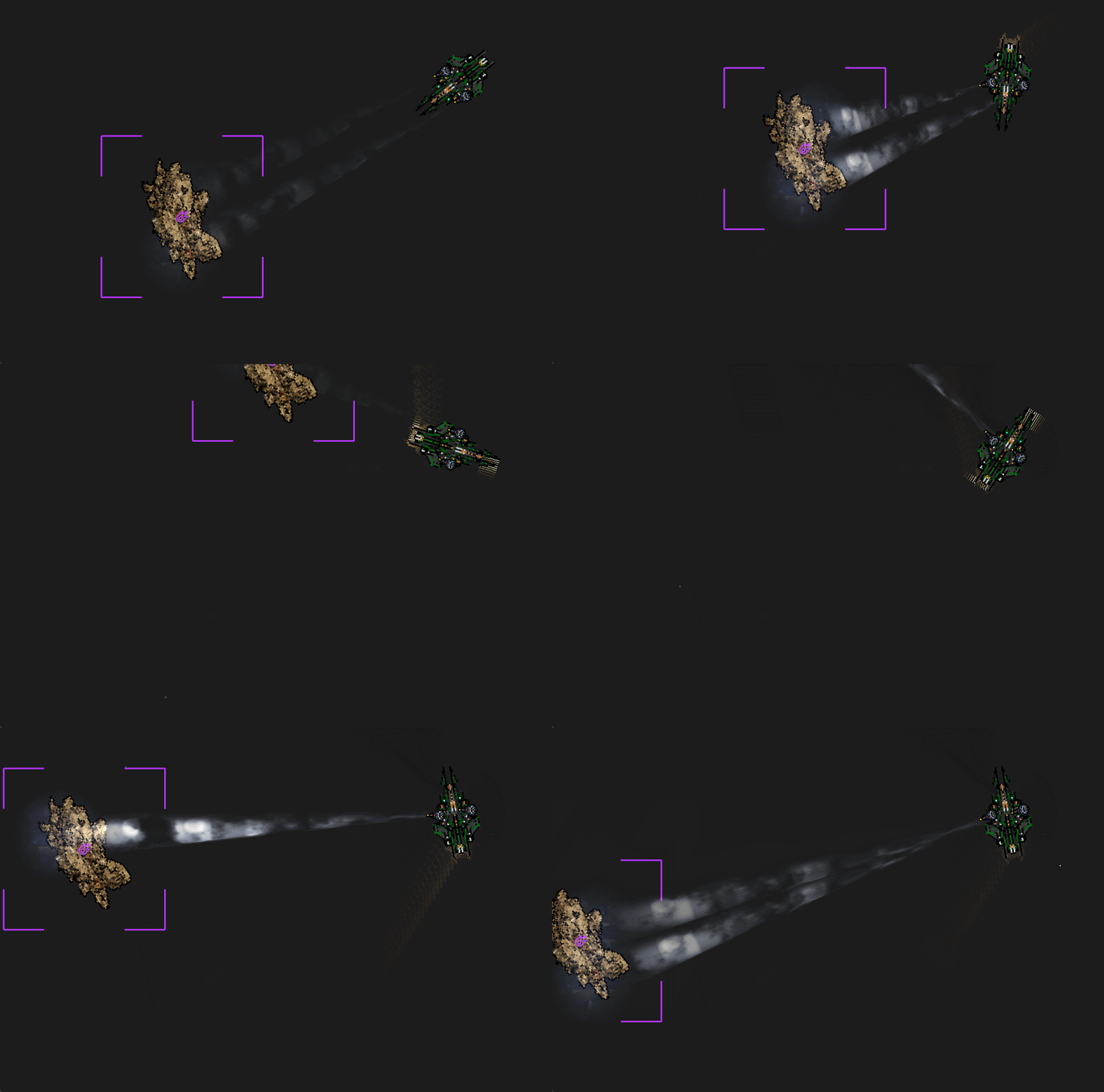
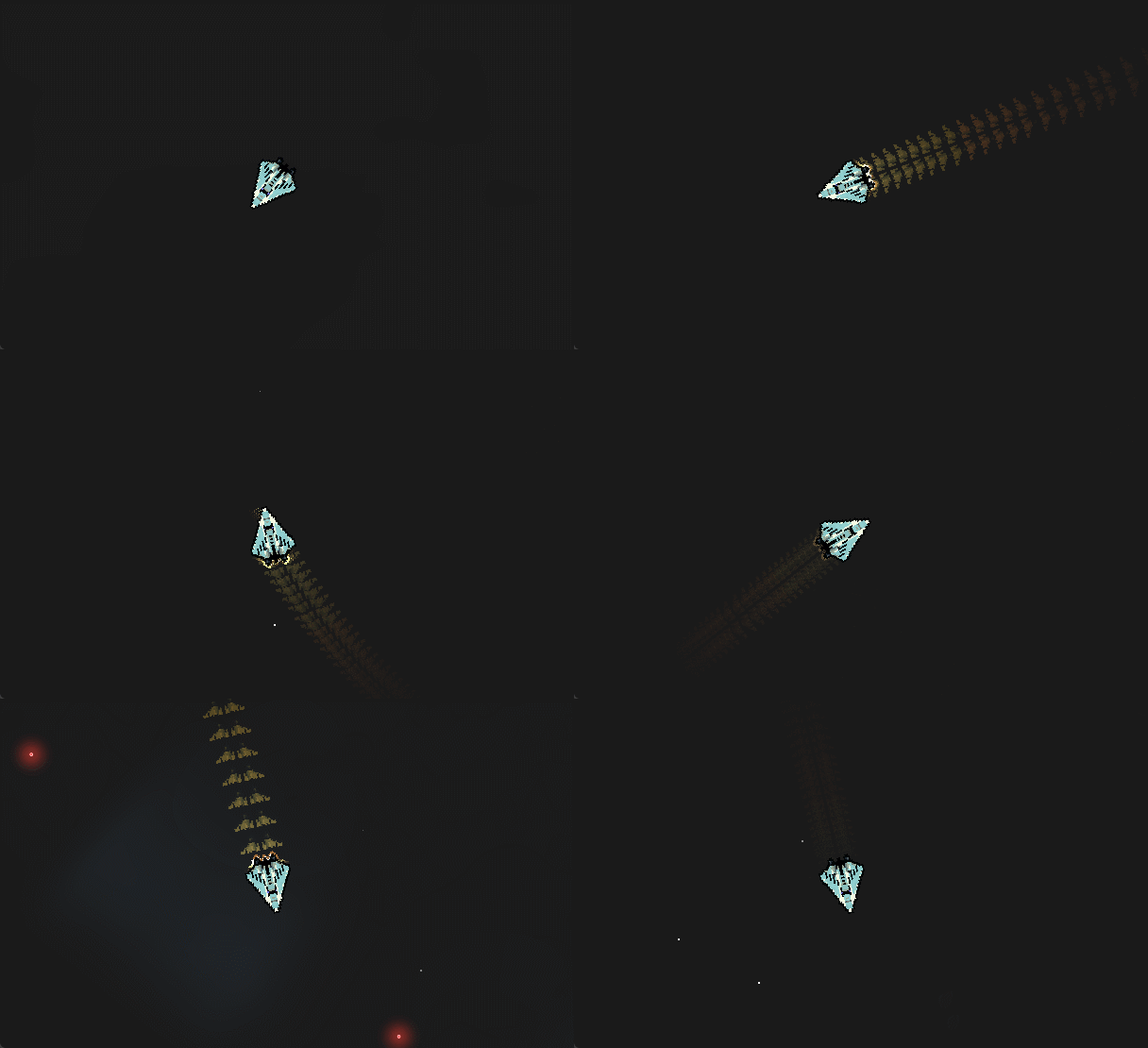
Afterburner trail and warp bubble
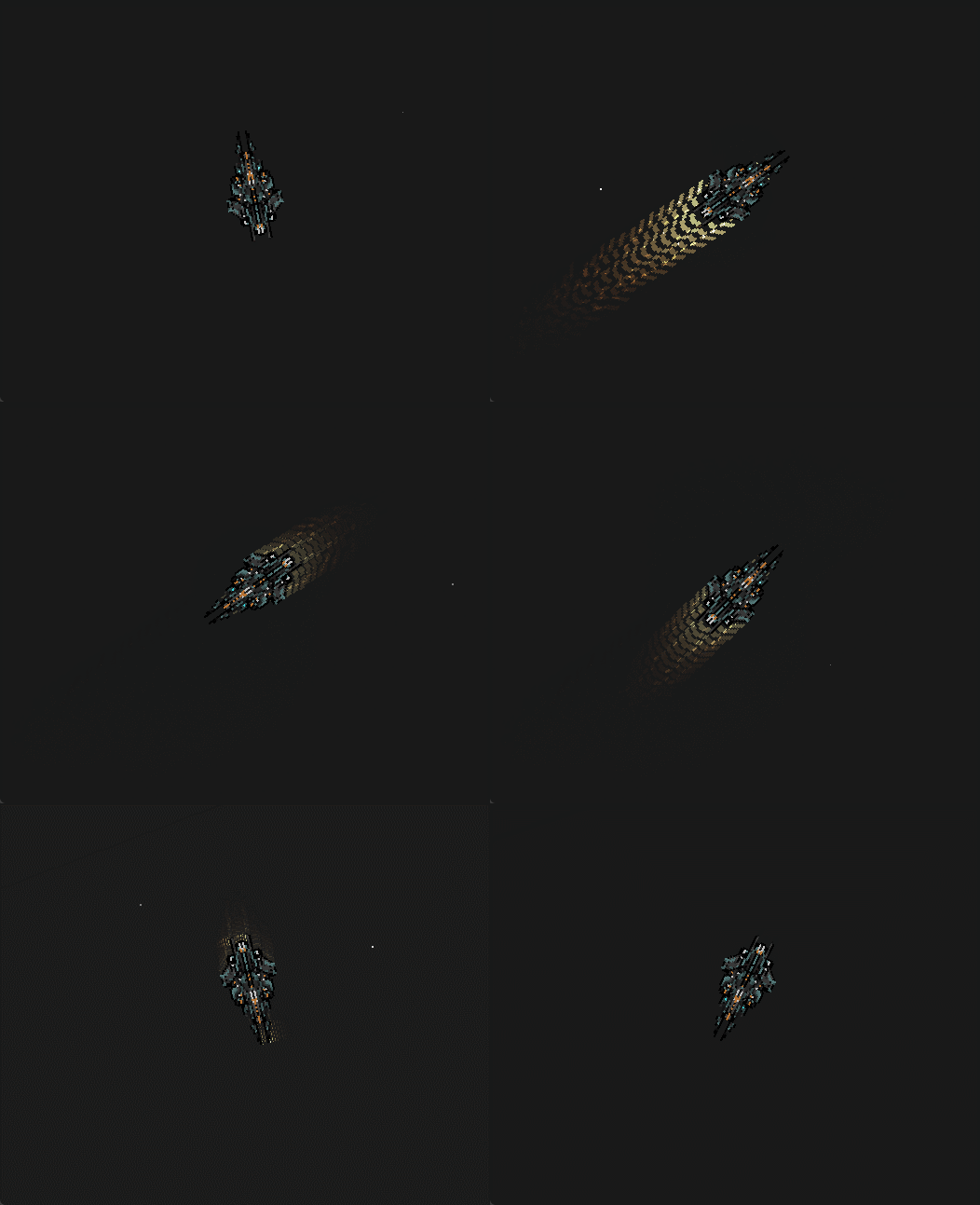
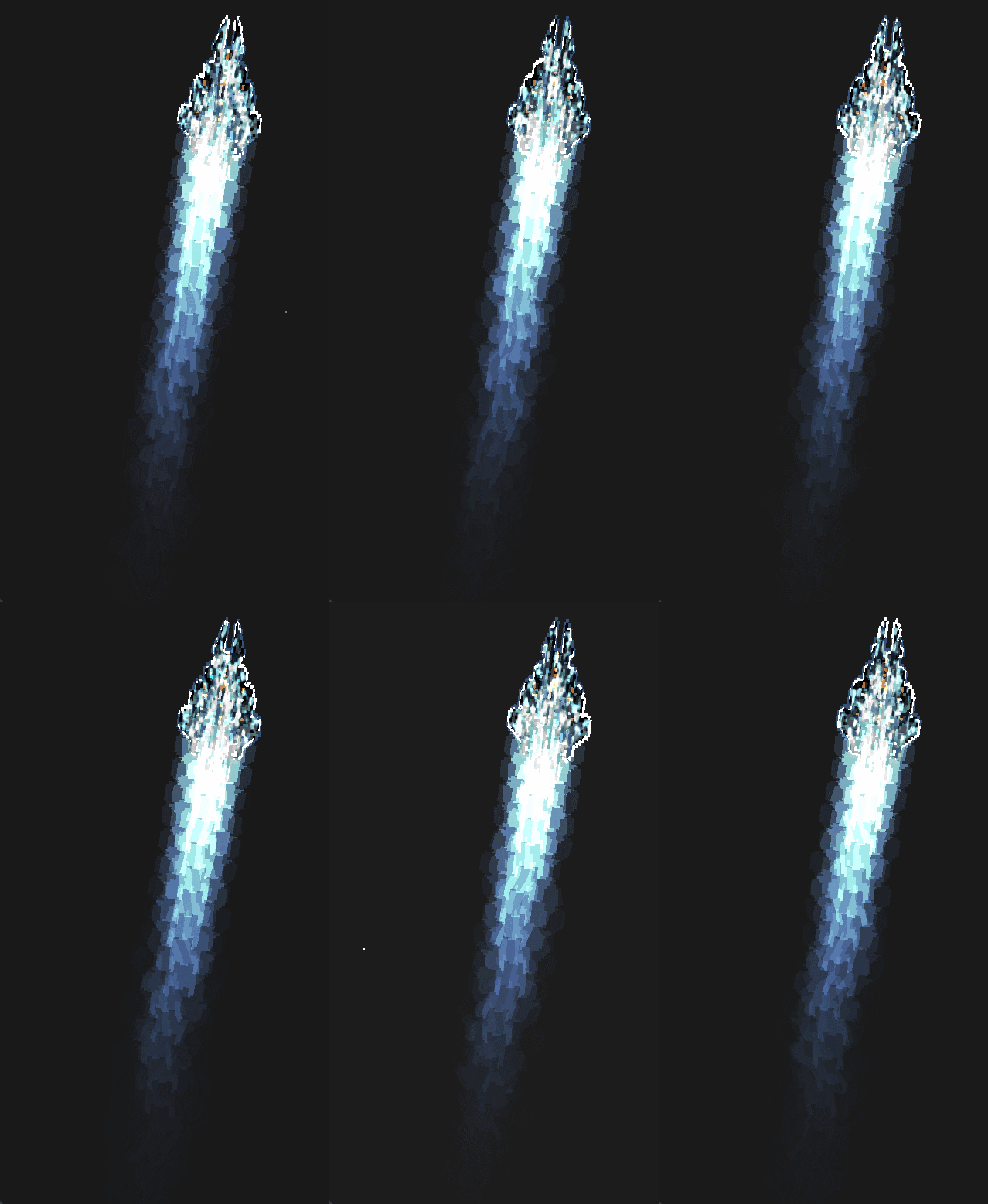
Add in animations for afterburner output and warp bubble
Warp
Move quickly to markers with no control
Waypoint Overlay System
The way point overlay renders markers for all active way points on screen, showing basic details like name/type and distance, and continuously updates their positions as the player or camera moves.
Backend tooling and optimizations
Spatial debug view, player view
Docking
Add docking so we can remove the user from the game world and put them safely inside a space station.
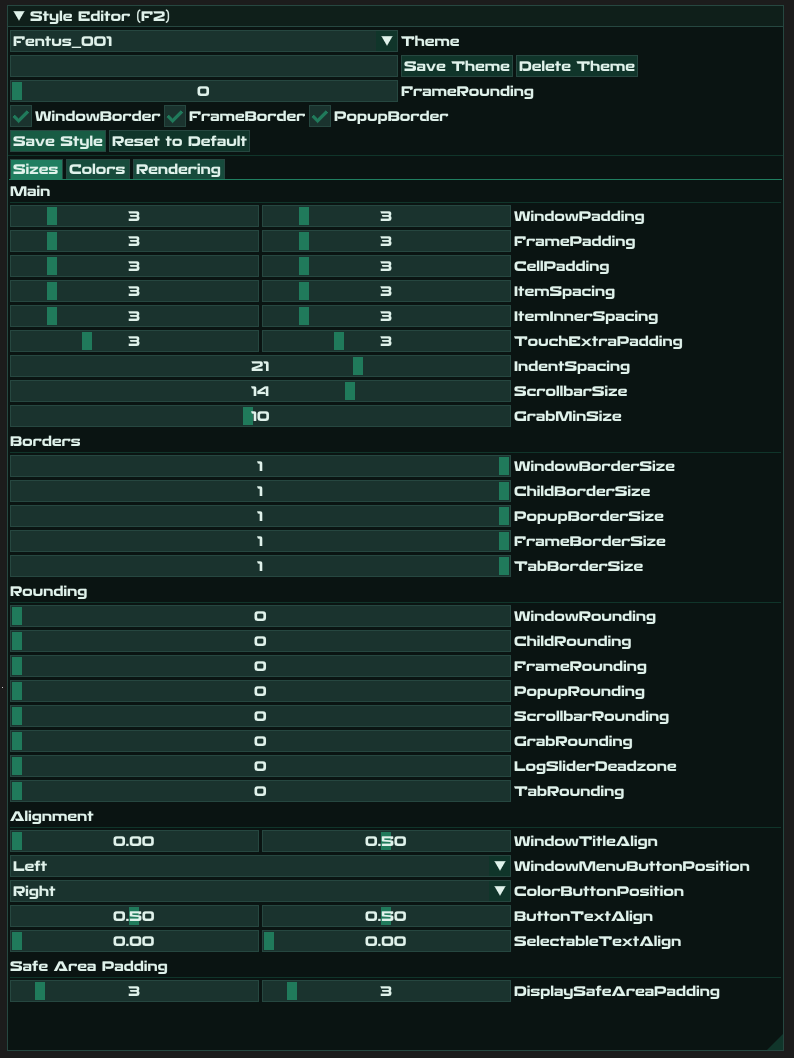
Style Editor
Make it your own!
Full screen mode / Screenshot mode
F1 - Help
F9 - Screenshot
F10 - Screenshot mode
F11 - Full window
F12 - Full screen mode
Zoom LOD Icons
When zooming out we need to see icons on objects that become too small. Also when zooming and using "current target indicator" we need to make it the same color as the "current target indicator".
Logout Button
The logout button needs to have a timer and logout after the 60 sec of being safe.
Frame Skip
glFinish() is a blocking GPU sync, it forces the CPU to wait until the GPU completes ALL pending draw calls. This wait time is variable and can occasionally spike.
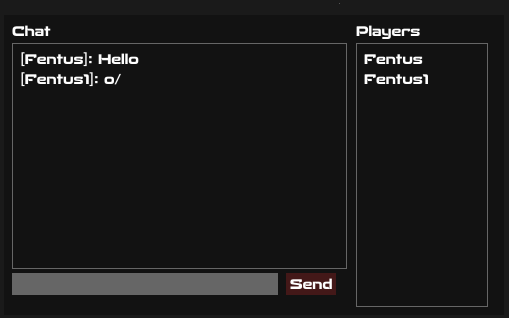
Local Chat
Add a chat so we can see all users in the same system and talk with them.
Orbit Fixes
The orbit approach was changed from aiming at the closest radial point on the orbit circle to computing perpendicular entry points — two candidate points at 90° to the ship-to-target line, one for CW and one for CCW orbit direction. The transition from straight-line approach to tangential orbit velocity now blends over a full orbit-radius-wide zone (from 2x down to 1x distance), instead of a hard 5% threshold, preventing the ship from cutting inward on entry.
Orbiting
Added orbiting, it wont guarantee distance but it will try it best.
Clean up UI
Added buttons to control ships.
Gate Transfer Stasis (Bridge Connections)
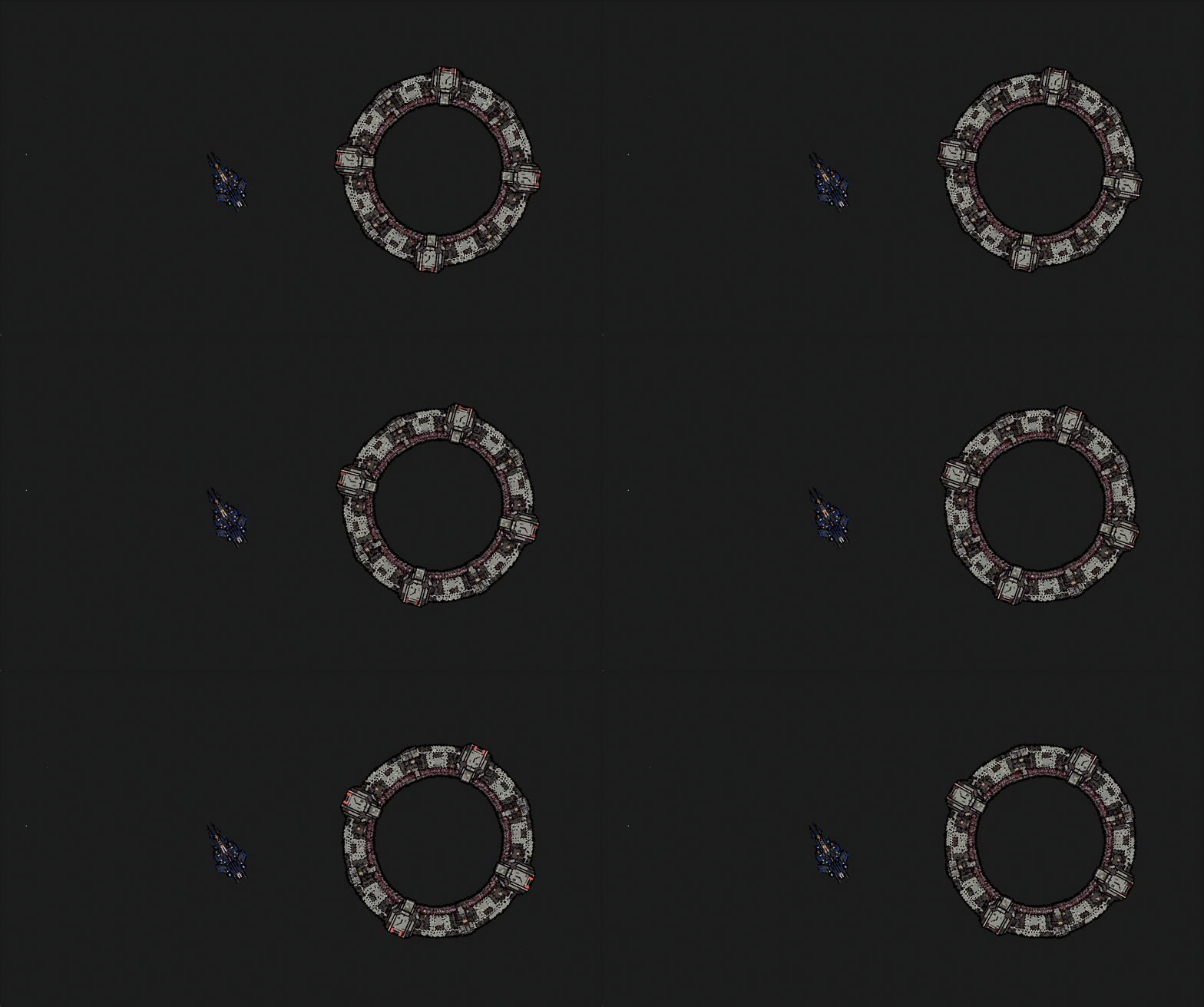
When a player begins a system transition through a bridge connection, a transfer token records the transfer start timestamp and the player enters gate transfer stasis. For exactly 4 seconds from that start time, the player is fully locked in stasis—movement is disabled and no commands can be sent or processed, regardless of arrival completion. After the 4-second duration elapses, stasis automatically ends and normal control is restored.We can also see when a user jumps in or out of a system by the gate activation animation even if we never see the player because we can see the gate.
Cloaking System (Cloaking & Stasis Cloaking)
The cloaking system introduces two server-controlled modes that determine invisibility to other players: standard cloaking allows movement while remaining unseen, while stasis cloaking keeps the player invisible only as long as they do not move, with any movement immediately breaking the cloak. The server is authoritative over cloak state, and cloaked entities are excluded from replication, sensors, overview lists, targeting, and interactions. Any cloak or uncloak event is instantly replicated to clients for UI and visual updates.
Galaxy Map
Added a galaxy map so we can view the game world.
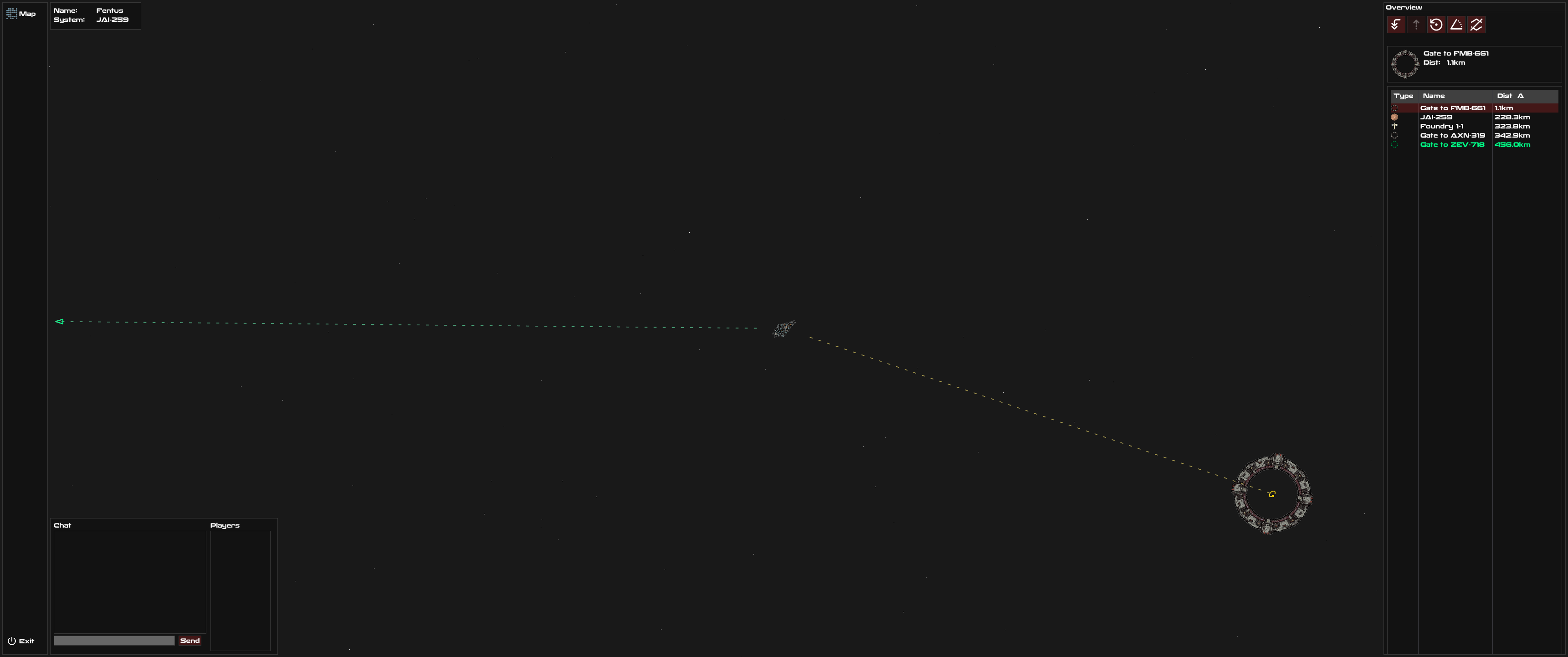
Overview Selection Direction Indicator
Add a visual indicator that points toward the object currently selected in the Overview panel, helping players quickly identify the direction of their target in space.
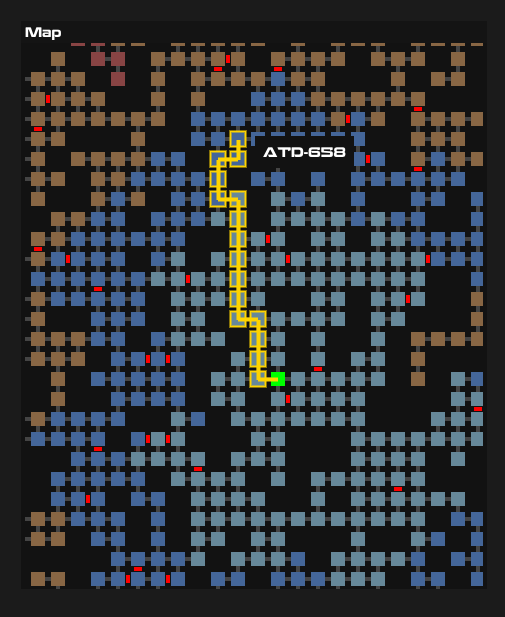
Jump Gate Network
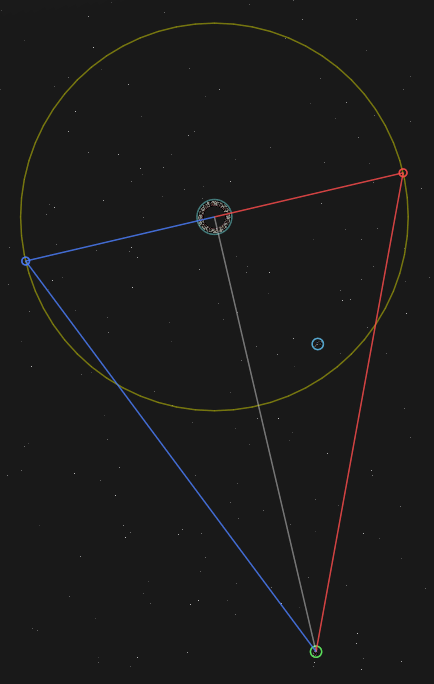
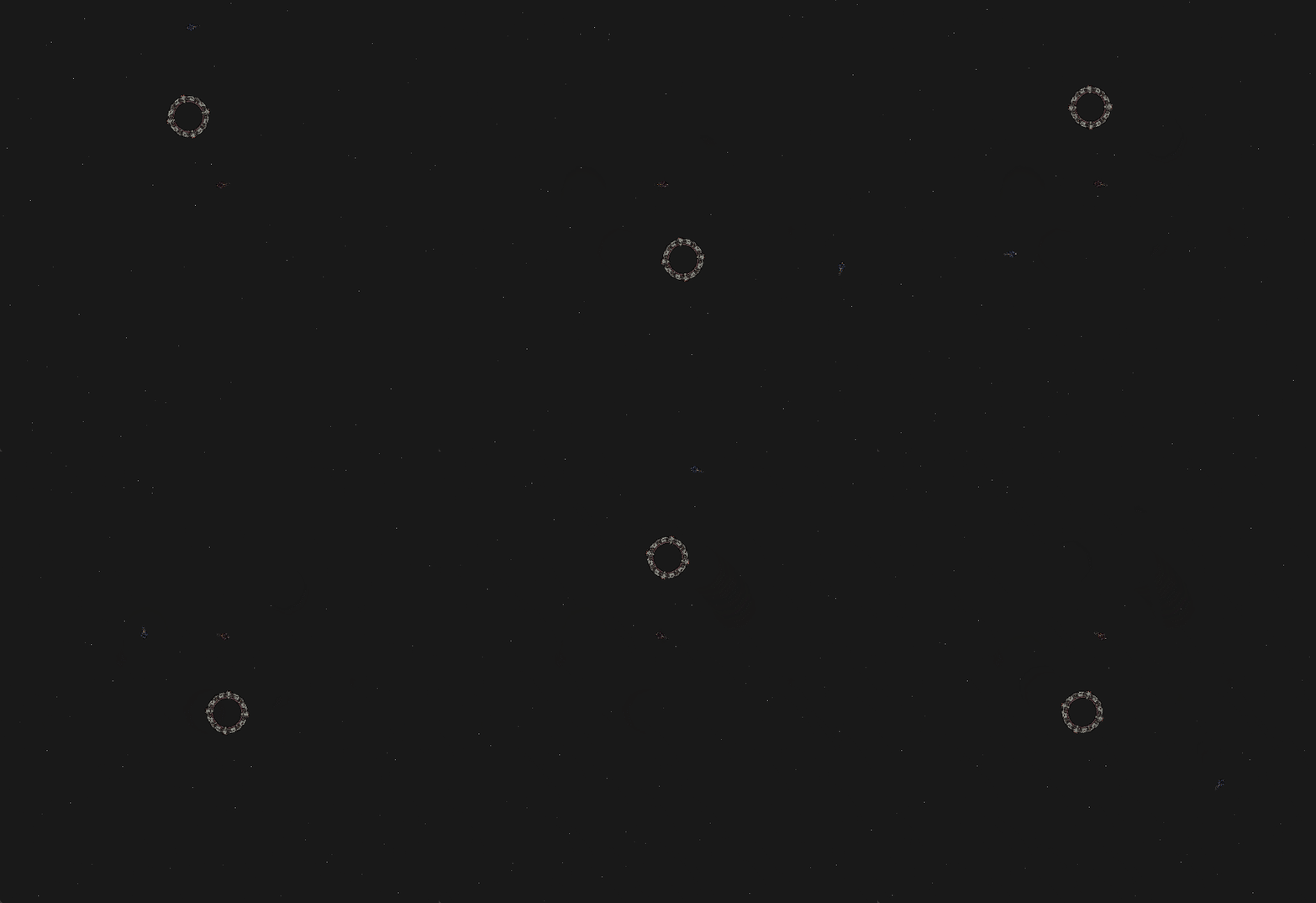
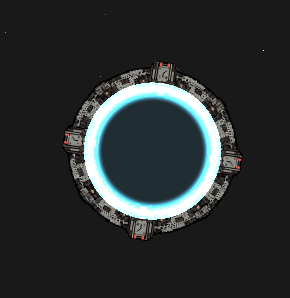
Inter-system travel via jump gates connecting star systems. Includes gate visualization, connection mapping for all 3000 star systems, and seamless transitions between systems with proper state management.
Sensor and Radar System
Sensor-based detection system with configurable range, visual radar display, and circle-to-circle collision detection for visibility. Players can only see objects within their sensor range.
Multi-Server Architecture
Distributed game architecture allowing players to seamlessly travel between different game servers. Includes server-to-server communication, secure player handoff with transfer tokens, cross-server jump commands, system sharding across multiple game servers, and automatic client reconnection for server transfers.
Overview Panel
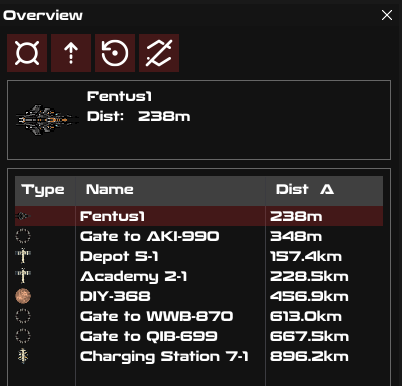
Comprehensive space overview interface showing nearby objects including stars, planets, asteroids, stations, gates, and other players. Features filtering options, icons for different object types, distance formatting, waypoint indicators, and performance optimizations for large object counts.
Com Interface
In-game combar for player messaging and system notifications. Provides interface for future chat and communication features.
Logging System
Comprehensive logging for debugging and monitoring including game events, lobby activity, server bridge communication, and configurable log levels. Supports muting noisy logs during normal operation.
Configuration System
YAML-based configuration files for server setup, game settings, and runtime options. Includes default values and easy customization without code changes.
Player Authentication
Complete login and account system with session management, 60-second timeout handling, instant logout, proper disconnection handling, and login state recovery after failed attempts.
Modular Space Stations
Modular space stations implementation w/o docking capabilities, and integration with the overview and targeting systems. Stations appear on the star map via seeds.
Targeting and Locking System
Complete targeting system with sensor-based detection, target locking mechanics, and signature tracking. Players can lock multiple targets based on sensor strength, with visual indicators for locking progress and locked status. Includes right-click targeting, target validation, and maximum target limits.
Star System Generation
Procedural generation system for creating diverse star systems with multiple star types, varying sizes, and visual effects like solar flares. Includes support for very large stars, synchronized rendering across clients, and damage calculations based on star proximity.
Asteroid Belt System
Dynamic asteroid belt generation with clustering algorithms, rotation animations, fade effects for distant objects, and multiple asteroid types. Belts are procedurally generated with configurable density and distribution patterns.
Custom Network Library
Custom networking library built on Netty & Colfer framework supporting TCP connections, broadcast messaging, connection callbacks, ping monitoring, and thread-safe event handling. Includes SSL certificate generation and robust connection management. As well as a custom NT server and customizable compression. (2 years of development and testing on various projects.)
Solar Flare Effects
Dynamic solar flare visual effects synchronized across all clients. Flares emanate from stars with proper timing and visual consistency regardless of when players enter the system.
Camera System
Dynamic camera following player ship with centering, zoom controls (including minimum zoom limits), and smooth transitions. Camera properly handles system changes and maintains player focus.
Parallax Background System
Multi-layered parallax background rendering with procedurally generated star fields, gas clouds, and nebulae. Creates depth and atmosphere while maintaining performance through efficient rendering.
UI Framework
ImGui-based user interface handling mouse and keyboard input, window management, and proper input conflict resolution between game and UI elements.
Database Integration
PostgreSQL database integration with automatic code generation, entity loading, caching system, and query optimization. Supports user accounts, character data, and game state persistence.
Caching System
Multi-level caching for improved performance including entity data caching, map caching, server-side caching, and batch processing. Reduces database load and improves response times.
Performance Optimization
Various performance improvements including multi-threading for event listeners, rate limiting for server protection, threaded cloud generation, cache optimization, and reduced network traffic through targeted updates.
Entity Synchronization
Real-time entity synchronization between server and clients with movement smoothing, rotation interpolation, and position prediction. Reduces visual jitter and provides smooth gameplay even with network latency.
Procedural Generation Seeds
Deterministic procedural generation using synchronized seeds between server and clients. Ensures all players see identical generated content like stars, asteroids, and nebulae.
Ship Movement System
Ship control system with alignment commands, stop commands. Includes smooth acceleration, rotation inertia, and movement type enumeration.
Connection Management
Robust connection handling with status tracking, graceful failure recovery, duplicate listener prevention, inactive connection cleanup, and secure connection ID assignment.
Multi-Platform Support
Build system producing executables for Windows, Linux, and MacOS. Includes fat JAR packaging, code obfuscation for releases, and Maven-based build automation with GitHub workflows.
Localization System
Multi-language support with JSON-based language files, font compatibility, and easy translation management. Currently includes English with infrastructure for additional languages.
NPC System
Non-player character support with entity types, civilization affiliations, and server-side management. NPCs are tracked separately from players in status displays and updates.
ID Management System
Robust identification system for entities, connections, and game objects. Supports long IDs for scalability, formatted display for readability, and proper cleanup on removal.
Texture and Animation System
Texture rendering with animation support, color masking for customization, and efficient asset management. Supports ship customization and visual variety.